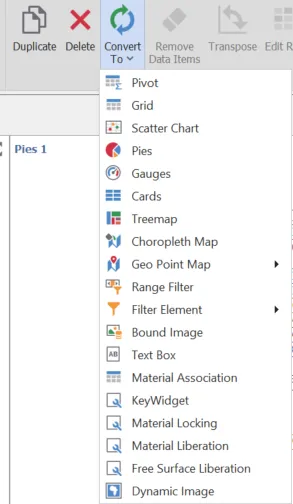
Dashboard Elements
2 min
To create a dashboard item in the Dashboard Designer, click the corresponding button in the Home ribbon tab.

This creates an empty dashboard item, and displays the required data sections for binding this item to data (for instance, the image below displays the Pivot dashboard item and corresponding data sections).
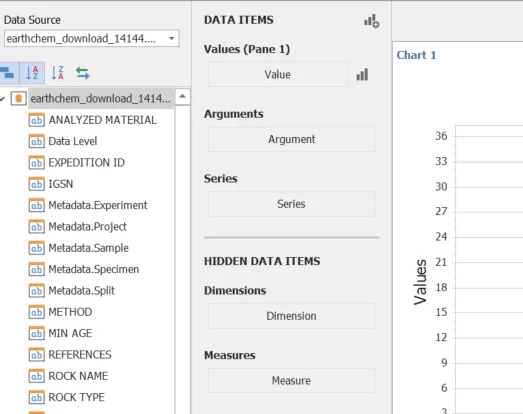
Perform the following steps to design a dashboard item:
- Adjust the position and size of elements and specify the caption.
- Adjust the dashboard item settings.
After a item is created it can be saved, duplicated, or converted to another type of element.