Save and Share a Dashboard
5 min
Save a
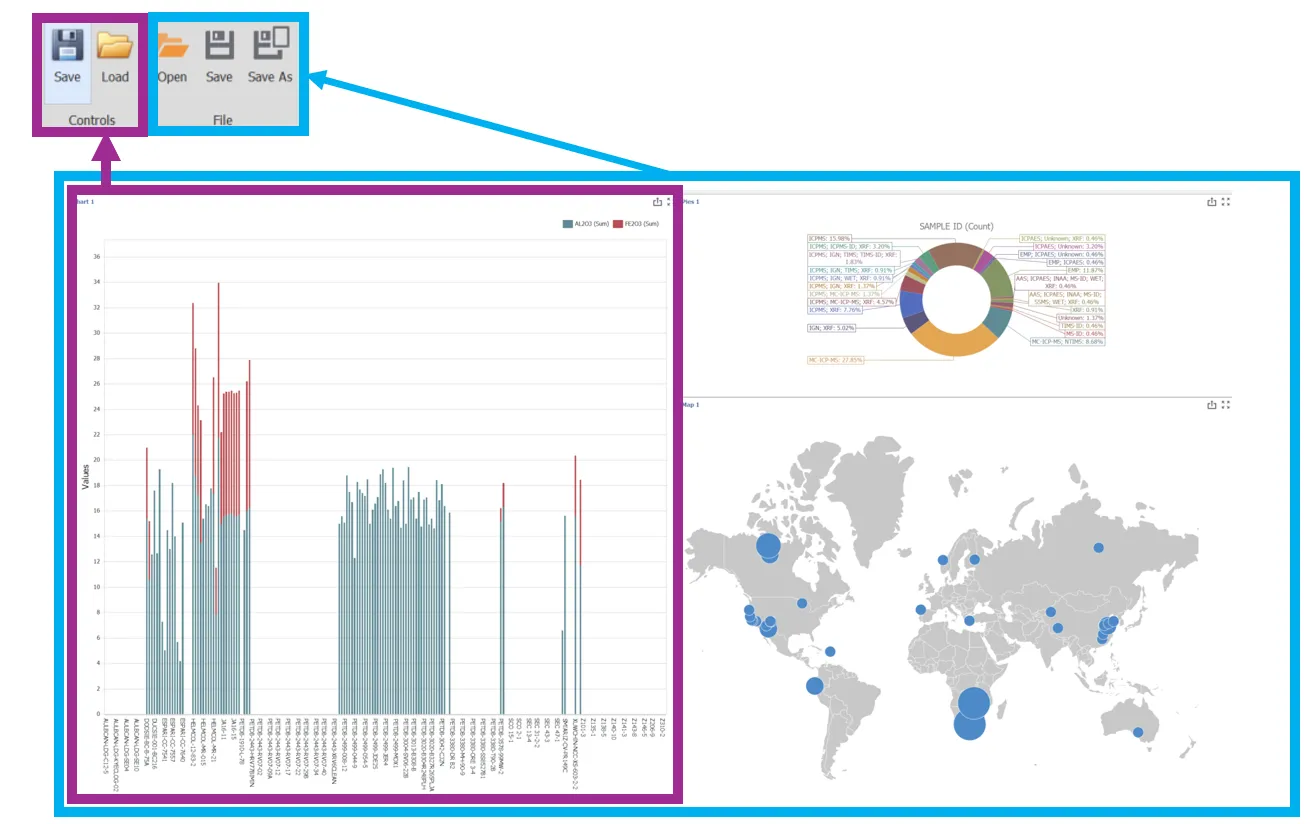
Open the Dashboard Designer to either save a pre-built dashboard element or an entire dashboard.
- Open an existing dashboard or make a new dashboard and design elements.
- Select "Save" in either the controles (for the element) or File (for the dashboard).
- Give it a name and a location that is easy to find.
Share a Data Model
The re-use of a dashboard or an element on a dashboard assumes the user has selected the same data model that the dashboard was designed for.
- Send the XML file to the target computer
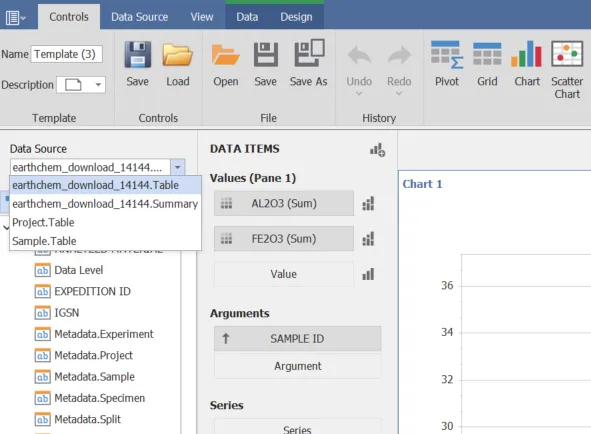
The model can now be selected on the Data Source selection of the Dashboard Designer
Save and Load an Entire dashboard
An entire dashboard layout can be shared and opened.
- Select "New" under the Templates section in the Dashboard module ribbon. The Dashboard Designer will open with a blank layout.
- Select "Open" from the File Section of the Controls Ribbon.
- Navigate tot he saved dashboard and open it.
A single element can also be opened to make a new dashboard with only this element. Note that a newly opened dashboard will not automatically populate with data.
Re-use a Element
Elements must have been previously saved to add to another dashboards. The saved element includes all configuration information and is expected to be used with the same data model.
- Select "Load" from the Controls section on the Controls ribbon
- Select the element to add
- Position the element by dragging and dropping.