Dashboards
The dashboard is designed to extract information from the data source and present them to the user. The dashbaord is made up of dashboard items that coexist on a page or series of pages. Where
Select an Existing Dashboard
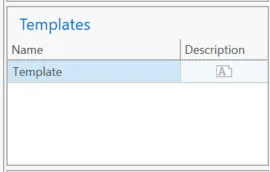
The existing dashboards are listed to the left in the "Templates" section of the side panel. Click on the dashboard to make it active in the main frame.
Populate a Dashboard with Data
First, Data Model in the data model tab. A dashboard must be designed an active to populate with data.
Select Data
From the Project Manager select the
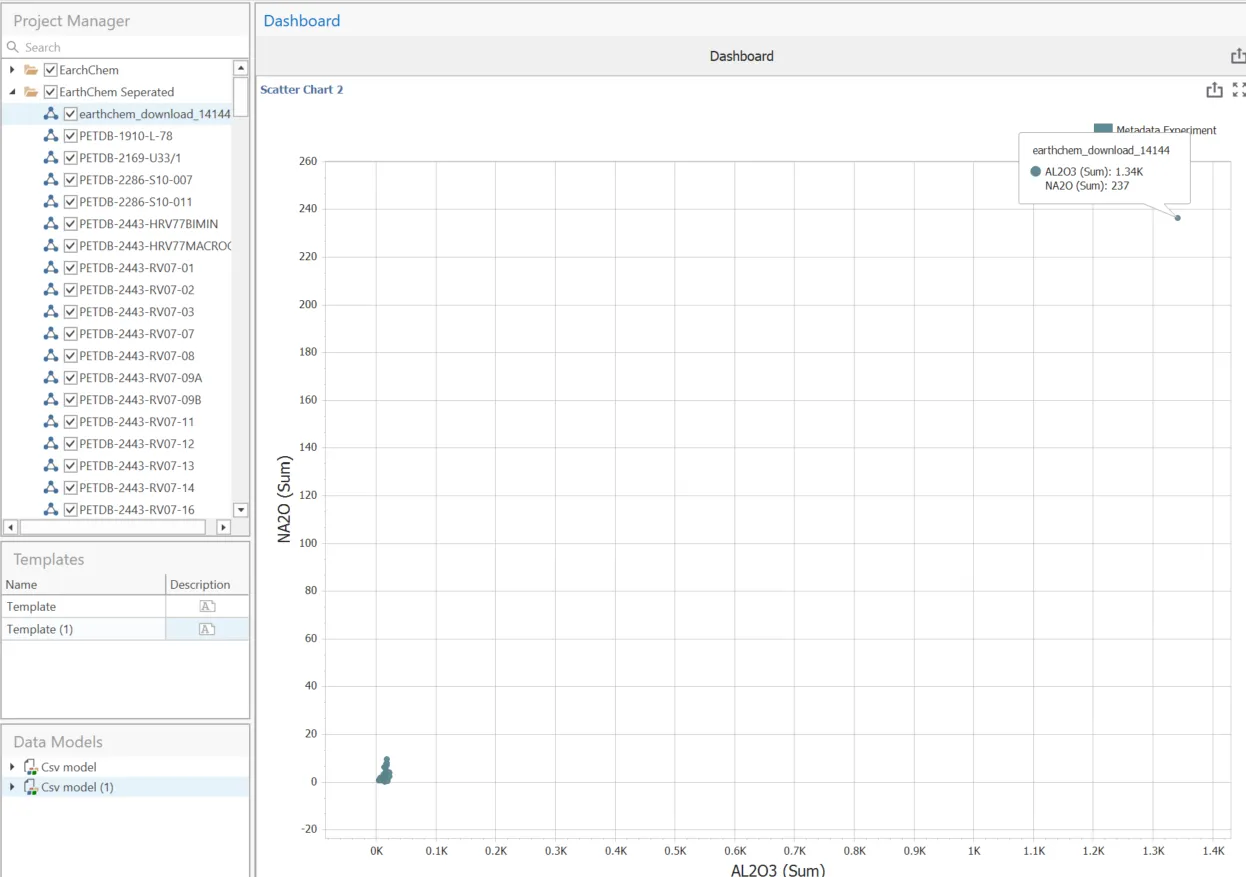
Change the selection:
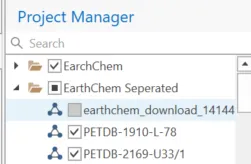
Select Update:

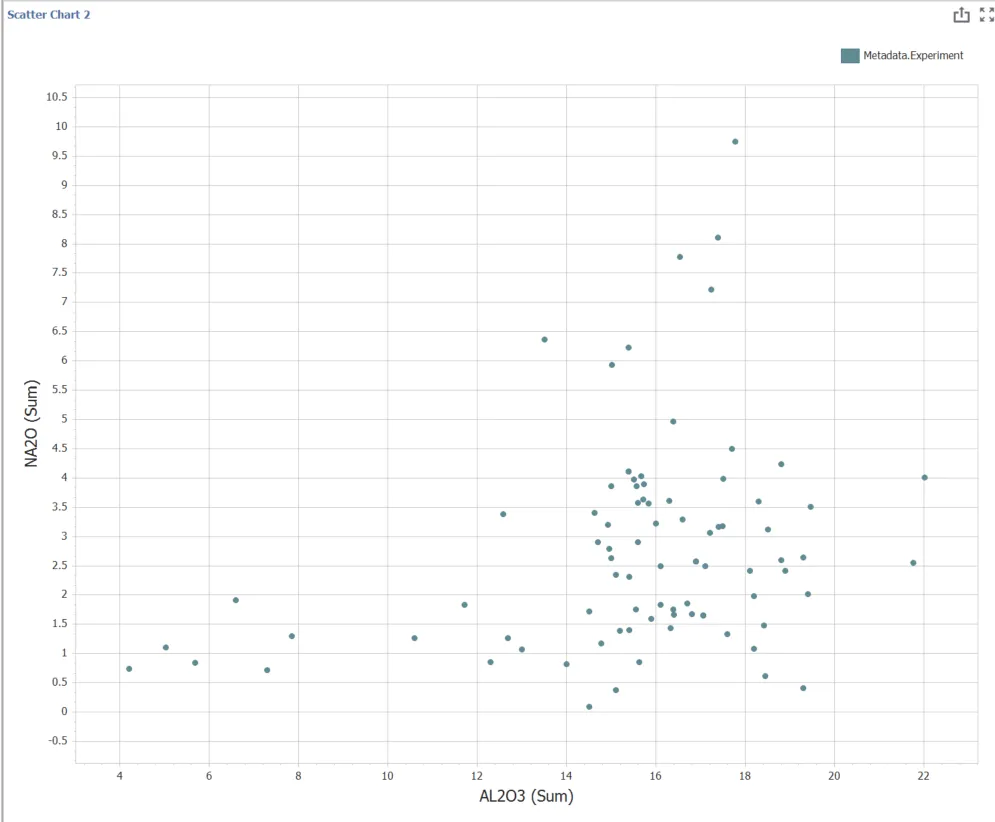
The visualization will change:
Auto-update
The auto-update function will update the visualization every time a control is changed.
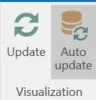
The Auto-update visualization is not the same as auto-update form data source. See Watch Files to set up a file to automatically updates when new data is written to it.
Display Level
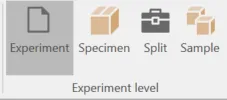
The Project Manager can be set up with a hierarchal orginization. At the dashboard the user can select to display data as Experiments, Specimens, Splits, or Sample level.
Combine
When a layer other than Experiment is selected the values will be combined up to that level. It will have equal weights assigned. Data can only be displayed at a level if that level is present with data in the project manager.
The order from highest to lowest is:
- Project
- Sample
- Split
- Specimen
- Experiment
Projects can be nested and have attributes that are accessible in metadata.
- No data is combined at the experiment level
- Data at the specimen level is always combined equally
- Split level data can have unequal weights. This level is only employed when a separation has been applied.
- At the Sample level, data can be selected to display all data or only the data added to splits.

Grouping
Groupings can be applied to AMICS data that include extra features required only for textural groupings:
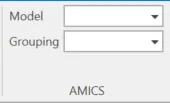
When applied at this level the grain table is combined when adjacent grains are grouped into the same material. This is only for data loaded from AMICS.