Add an Element
1 min
Click on one of the Dashboard Elements from the Insert panel of the Controls roibbon in the dashboard.

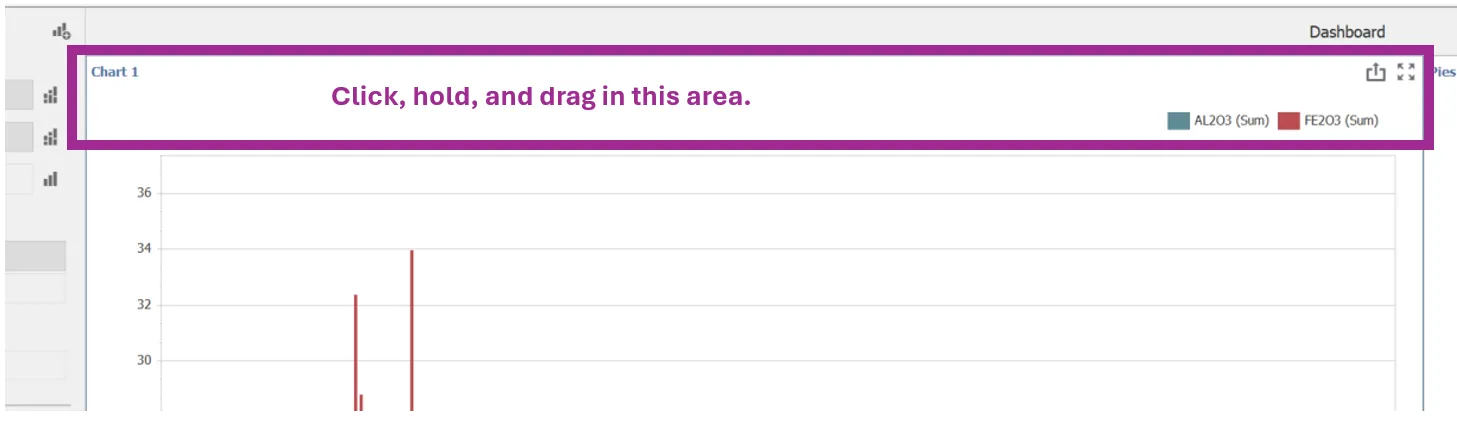
Once adds a dashabord element can be dragged as needed to it's specific location.
- Click the element along the top of the element and hold
- Drag to the desired position.
- Release