Report Templates
The Report Template is a page layout consisting of elements and data bindings. The report template can be selected in the Templates area of the side panel, with new, edit, and remove commands in the Template area of the ribbon.
NOTE: Data models are ALWAYS tied to a report. To make a report template you must first select a experiment BEFORE you make a new template.
Yes, this logic is wacky. We will fix it in the future.
- The template MUST have been made for the same data model that you are attempting to populate
- The template MUST be made in the same mode as will be executed
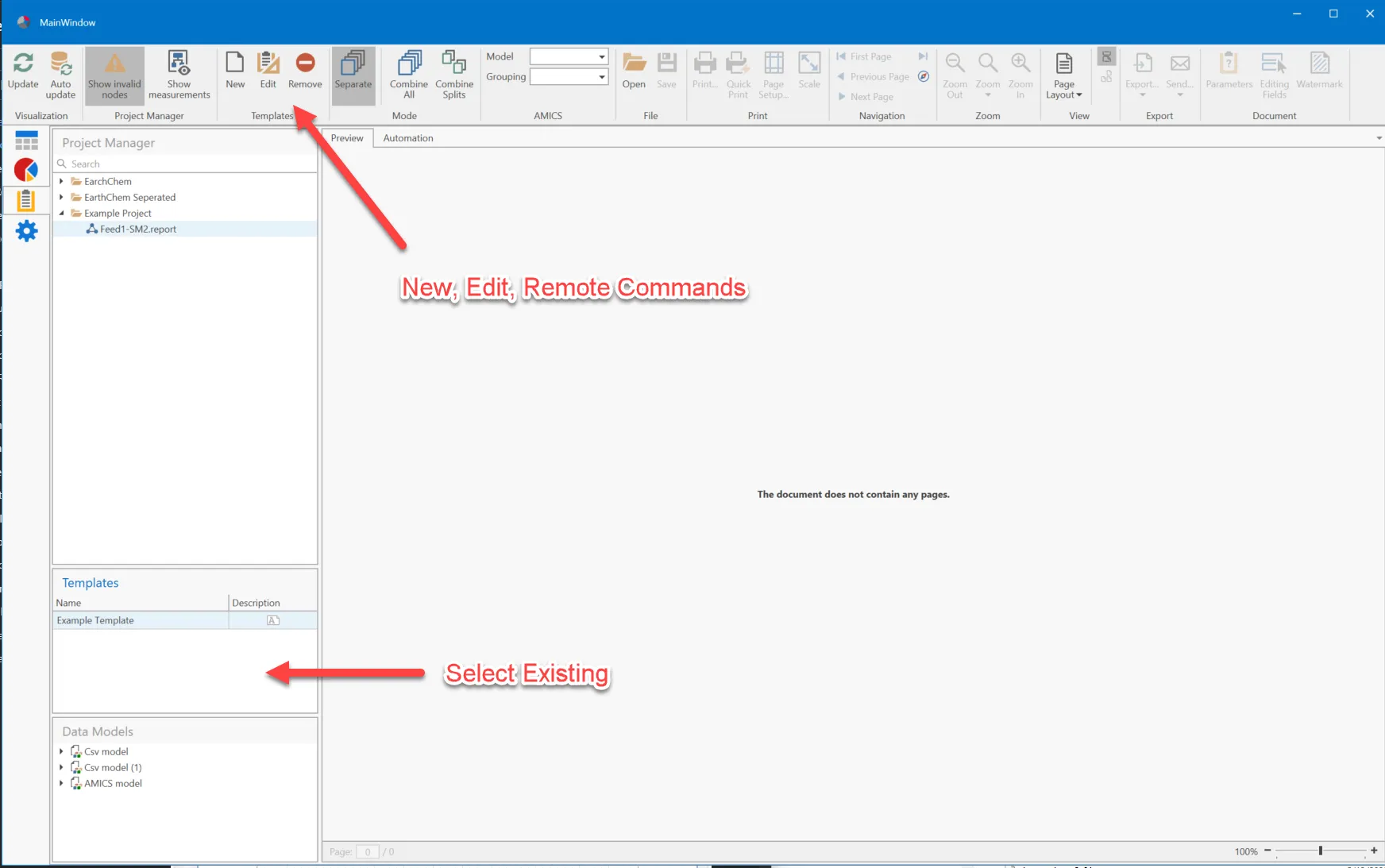
Types of Reports
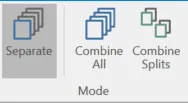
Report templates vary on how data is populated into the reports:
- Separate Reports generate one report for each selected experiment
- Combine All and Combine Splits allows the user to select more than one dataset to combine into a single report.
Each report type is a "mode" and only the report templates for that mode are shown then it is selected in the Mode section of the ribbon.
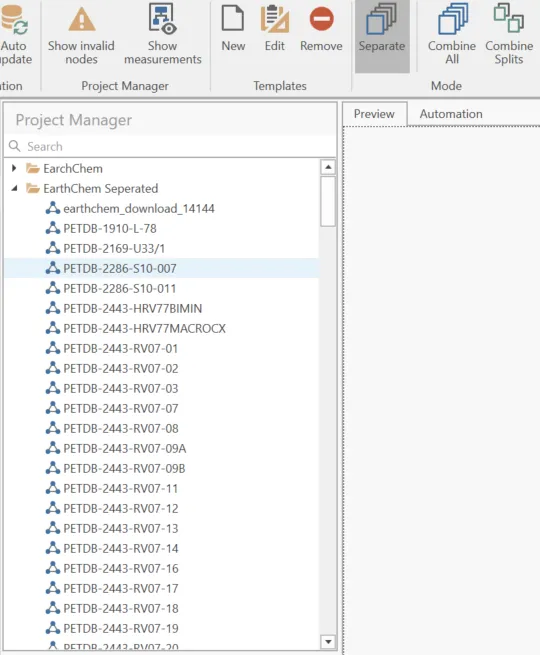
Separate Reports Type
- Select ONE experiment to generate a report
- Data is populated from the selected data set only
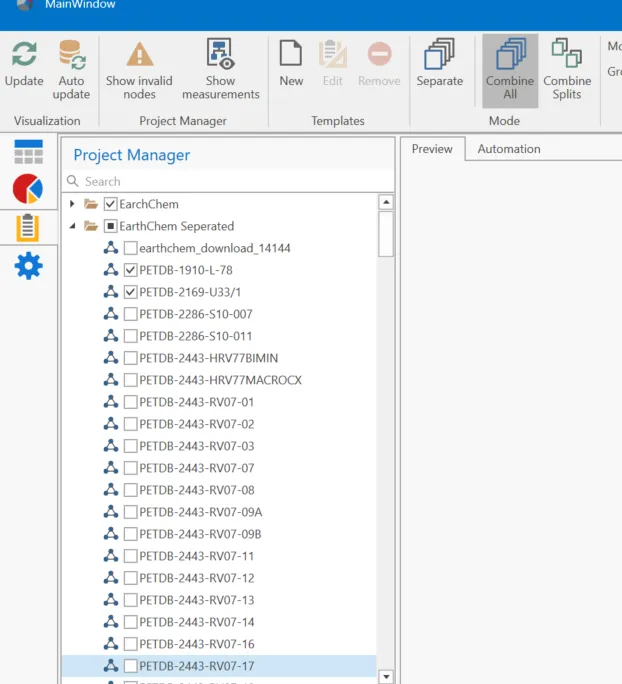
Combine All Reports Type
- Select many reposts by clicking the checkbox.
- The DATA is combined into a single report
Combine Splits Report Type
- Weighted combine based on splits
- Items not in a split are not included in the report
Template File Management
New Report
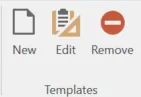
- Highlight a experiment made with the data model the user wants to use.
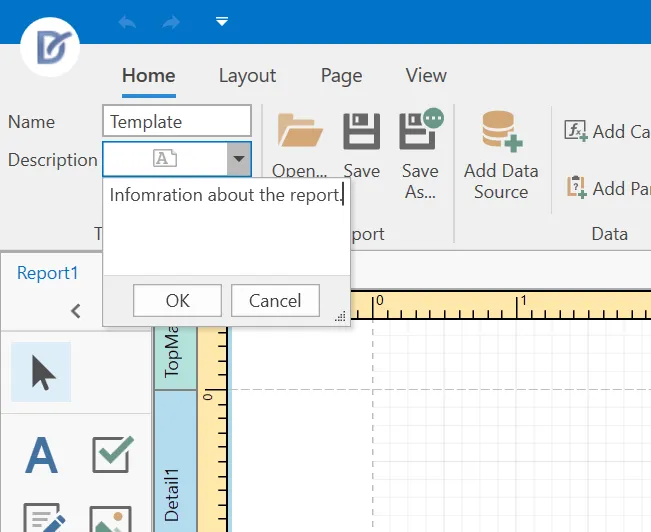
- Give the report a name and description.
- Save the template or select "OK" to add to the list.
Edit Report
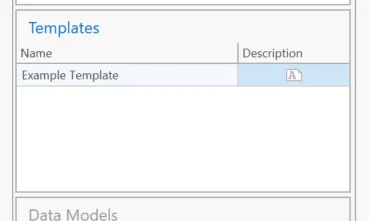
- Select the report from the Template area of the sidebar
- To save changes select "Save" or "Ok" in the Report Designer.
Remove Report Template
- Select the report template to remove from the Templates area
- Click the Remove button
Report Bands Report Template Layout
Report Bands
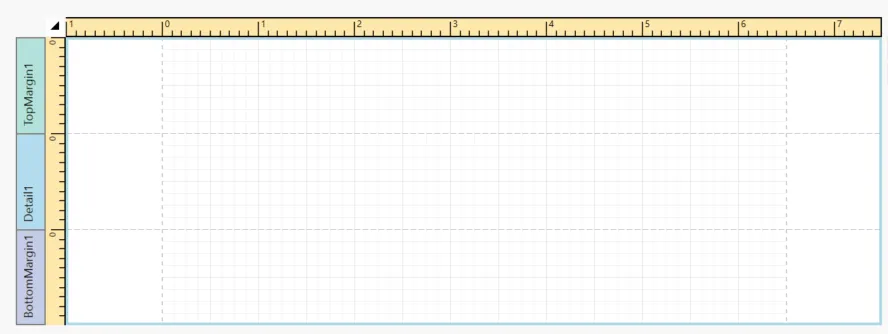
A report layout consists of bands that contain report controls and define their location on document pages. A blank report contains the following bands:
- The Detail Band is printed for every record in a data source unless you filtered the data. Every report should have a detail band, and you cannot delete it.
- The Top Margin and Bottom Margin bands. These bands are repeated once on every document page.
You can also add the following bands:
- The Report Header is the report's first band (margins are "out-of-page" zones). Use this band to display the report's name, company logo, date of creation, username, etc.
- The Report Footer is placed before the Page Footer and Bottom Margin on the report's last page. You can use the Report Footer band for report summaries or conclusions.
- Page Header and Page Footer are at the top and bottom of every page in a report. They display information that should be printed on every page.
- Group Header and Group Footer are above and below each group. The Group and Sort Panel create these bands automatically.
Add Header or Footer Bands
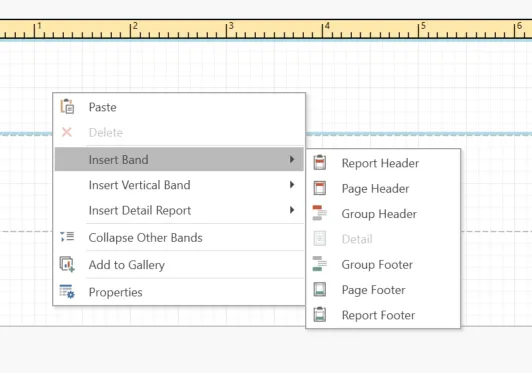
- Right-click the report interface
- Select "Insert Band"
- Select the header or footer to add to the report.